
5 Ways You Can Implement Affordable SEO for Small Businesses
Running a small business comes with many challenges, and one of the biggest is getting noticed online. While large corporations invest thousands of dollars in digital marketing, small business owners often work with tight budgets. The good news is, you do not need to spend a fortune to be seen. That is where affordable SEO for small businesses makes a real difference.
Search engine optimization (SEO) helps your website appear when people search for services or products like yours on Google. It’s a long-term strategy that builds online visibility, drives traffic to your site, and increases conversions. By investing in smart and affordable SEO services for small businesses, you can grow your brand, build trust, and compete with bigger players in your industry.
Table of Contents
Why SEO is Crucial for Small Businesses
Most people use search engines to find local businesses. Whether they are looking for a nearby restaurant, plumber, or online shop, they often click on one of the first few results. If your website is not showing up, you are missing out on valuable customers.
SEO is no longer optional. It is essential.
Here’s why SEO matters for small businesses:
- – It drives organic traffic, which means visitors who find you naturally, not through ads.
- – It builds credibility and trust, especially when your site ranks on the first page.
- – It delivers long-term results, unlike paid ads that disappear when the budget runs out.
- – It helps convert casual visitors into paying customers.
Even if your budget is small, implementing affordable SEO packages for small businesses can help you build a strong foundation for growth.
How Affordable SEO Services Can Level the Playing Field
The digital world gives everyone a fair shot. You don’t need to outspend the competition, but you do need to outsmart them. Many affordable SEO services for small businesses are designed to give small businesses a fighting chance.
Whether you’re working with an agency or doing it yourself, these services often include:
- 1. Keyword research
- 2. Technical SEO checks
- 3. On-page and off-page optimization
- 4. Local SEO setup
- 5. Monthly reporting and strategy updates
By focusing on what works and cutting out unnecessary expenses, you can get quality results without stretching your budget.
Tip 1: Conduct a Comprehensive SEO Audit
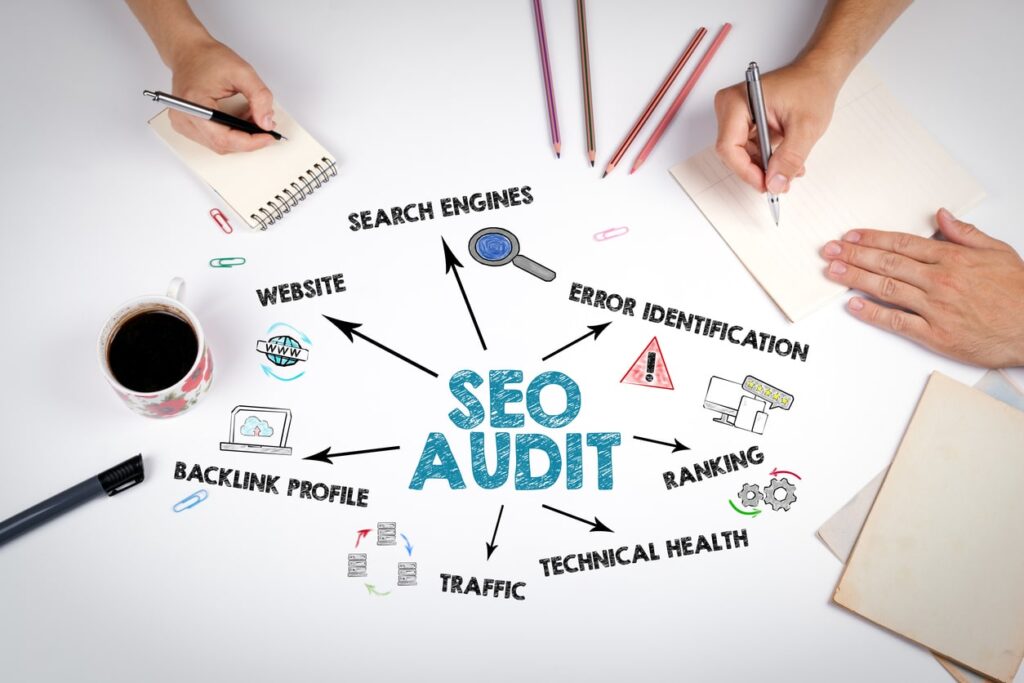
An SEO audit is like a check-up for your website. It helps you find areas that need improvement so your site can perform better in search results. It covers both technical and content-related issues.
Regular audits keep your site healthy and competitive. For small businesses on a budget, this is the first step toward creating a strong SEO strategy.
Tools for Performing an SEO Audit
You do not need expensive software. Here are some affordable SEO tools to get started:
- 1. Google Search Console – Monitor website health and search performance.
- 2. Google Analytics – Track visitor behavior and conversion goals.
- 3. Screaming Frog (free version) – Analyze on-page issues and crawl errors.
- 4. Ubersuggest – Affordable and easy to use for basic SEO audits.
- 5. Semrush – Offers free trials with insights into site performance and competitors.
- 6. Ahrefs – Offers free trials and provides insights to improve your site
Analyzing Your Current SEO Performance
Your audit should cover:
- – Site speed and mobile responsiveness
- – Meta titles and descriptions
- – Keyword optimization
- – Internal linking
- – Broken links or 404 errors
- – Page indexing issues
- – Image alt text and file sizes
Fixing these basics can lead to a noticeable improvement in rankings and user experience.
Tip 2: Focus on Keyword Research

Keyword research helps you understand what people are searching for and how to position your website in front of them. Start with broad terms and then get more specific.
For example, a bakery in Texas could target:
- – “affordable bakery in Houston”
- – “custom birthday cakes Houston”
- – “local cake shop near me”
Use keywords that match your services and customer intent.
Using Affordable SEO Tools for Keyword Research
You don’t need expensive platforms to get good data. Here are budget-friendly options:
- – Ubersuggest – Offers keyword ideas, difficulty scores, and competitor analysis.
- – Google Keyword Planner – Free tool with search volume and trends.
- – Answer the Public – A Visual tool for discovering questions people ask.
- – LowFruits – Great for finding low-competition keywords.
Focus on finding long-tail keywords, phrases that are more specific and less competitive.
Long-Tail Keywords and Their Benefits
Long-tail keywords are longer and more detailed. For example:
- – “affordable SEO services for small businesses in Atlanta”
- – “best affordable SEO packages for small business websites”
These keywords may have lower search volumes, but they attract people with specific needs. That usually leads to better conversion rates and faster rankings.
Tip 3: Optimize Your Website’s On-Page SEO
Key Elements of On-Page SEO
On-page SEO refers to changes you make directly on your website to improve its visibility. Important elements include:
- – Meta Titles and Descriptions – Short summaries that appear in search results.
- – Header Tags (H1, H2, H3) – Organize content for both readers and search engines.
- – URL Structure – Keep it short, clear, and keyword-rich.
- – Alt Text for Images – Helps Google understand your images and improves accessibility.
- – Internal Links – Connect related pages to guide users and boost SEO.
Affordable Strategies for Effective On-Page Optimization
You don’t need to hire a developer. Try these simple steps:
- – Use a free or low-cost SEO plugin (Yoast, Rank Math)
- – Write original, useful content that targets your keywords
- – Add relevant internal and external links
- – Compress images to improve page load speed
- – Update old content to keep it fresh
Importance of Mobile Optimization
Google ranks your website based on how it performs on mobile. Make sure your site:
- Loads quickly on phones
- Uses a responsive design
- Has clickable buttons and easy-to-read text
- Avoids popups that block content
Use Google’s Mobile-Friendly Test to check your site’s performance.
Tip 4: Leverage Local SEO Strategies
What is Local SEO and Why is it Important?
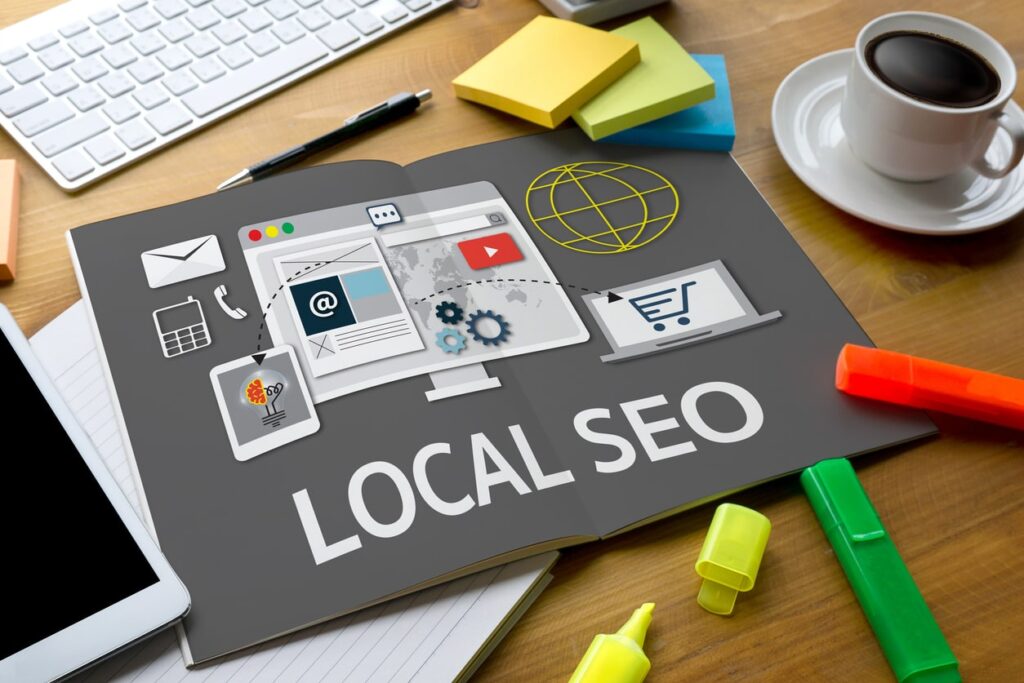
Local SEO focuses on attracting customers in your geographic area. If you run a physical store or provide services locally, this is a must.
When someone searches “coffee shop near me” or “local SEO services in Miami,” Google shows businesses near their location. If your business is not optimized for local SEO, you are invisible to these potential customers.
Creating and Optimizing Your Google Business Profile
Set up your free Google Business Profile (formerly Google My Business):
- * Use your exact business name, address, and phone number (NAP)
- * Choose the right business category
- * Add photos, hours, and links to your website
- * Respond to reviews
- * Post updates, offers, or events
Businesses with complete profiles rank higher in local results and maps.
Community Engagement and Local Directories
Local backlinks improve SEO and community visibility. You can:
- * Join local business groups
- * Get featured in local news blogs
- * List on directories like Yelp, Yellow Pages, Bing Places, and local Chamber websites
- * Offer discounts or partner with nearby businesses
These steps are cost-effective and help build trust with local customers.
Tip 5: Monitor, Analyze, and Adjust
Setting Up SEO Performance Metrics
Tracking performance is key to making smart improvements. Important metrics include:
- 1. Organic search traffic
- 2. Time on site
- 3. Conversion rates
- 4. Bounce rate
- 5. Ranking improvements for target keywords
Set specific goals like increasing traffic by 20 percent in three months or ranking in the top five for your main keyword.
Tools for Monitoring SEO Success
There are many affordable SEO tool for small businesses that include tracking. But you can also use:
- 1. Google Search Console – Tracks impressions, clicks, and site errors.
- 2. Google Analytics – Shows how users interact with your site.
- 3. Ubersuggest or Mangools – Tracks keyword rankings and backlinks.
- 4. Screaming Frog – Offers detailed audits to fix technical issues.
The Importance of Adapting Your SEO Strategy
SEO is not set-it-and-forget-it. Google updates its algorithms regularly, and your competitors are improving too. Revisit your strategy every month. Keep testing headlines, adding new content, and improving user experience.
If something isn’t working, change it. Affordable SEO means using your time and resources wisely by focusing on what brings results.
Affordable SEO Success for Small Businesses
You don’t need a massive budget to succeed online. With the right tools and strategies, affordable SEO for small businesses is entirely possible. Start with an SEO audit, research the right keywords, optimize your pages, tap into local SEO, and track your progress.
When done right, SEO brings long-term benefits. It helps you attract more customers, grow your brand, and stay competitive, all without overspending.
Remember, success doesn’t always come from spending more. It comes from spending smart.
Related articles
- 2. What is SEO?